In this training we use the example of the expend pot. After you have expend a pot, you can view or print the issue form.
- Go to the module Stock > Issue form and look up for the form number.
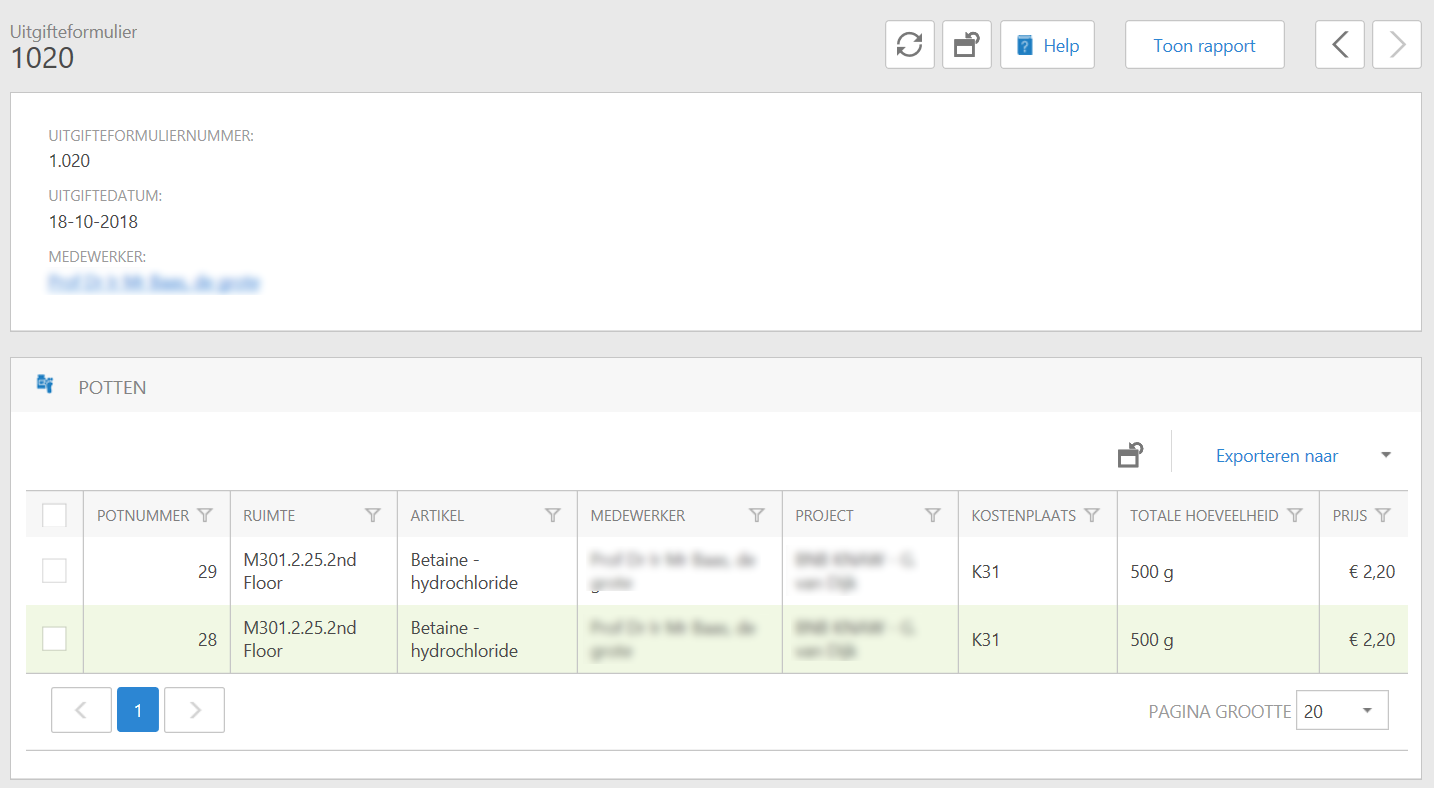
- Click on the Show report button in the top right.
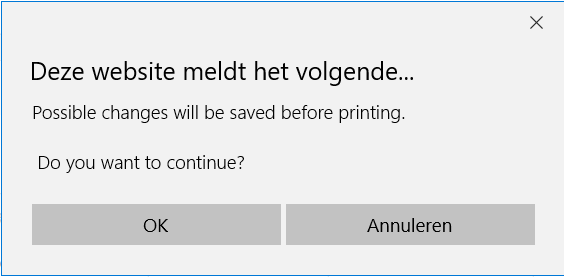
- You may receive a message similar to the one below. You can click "OK" here.
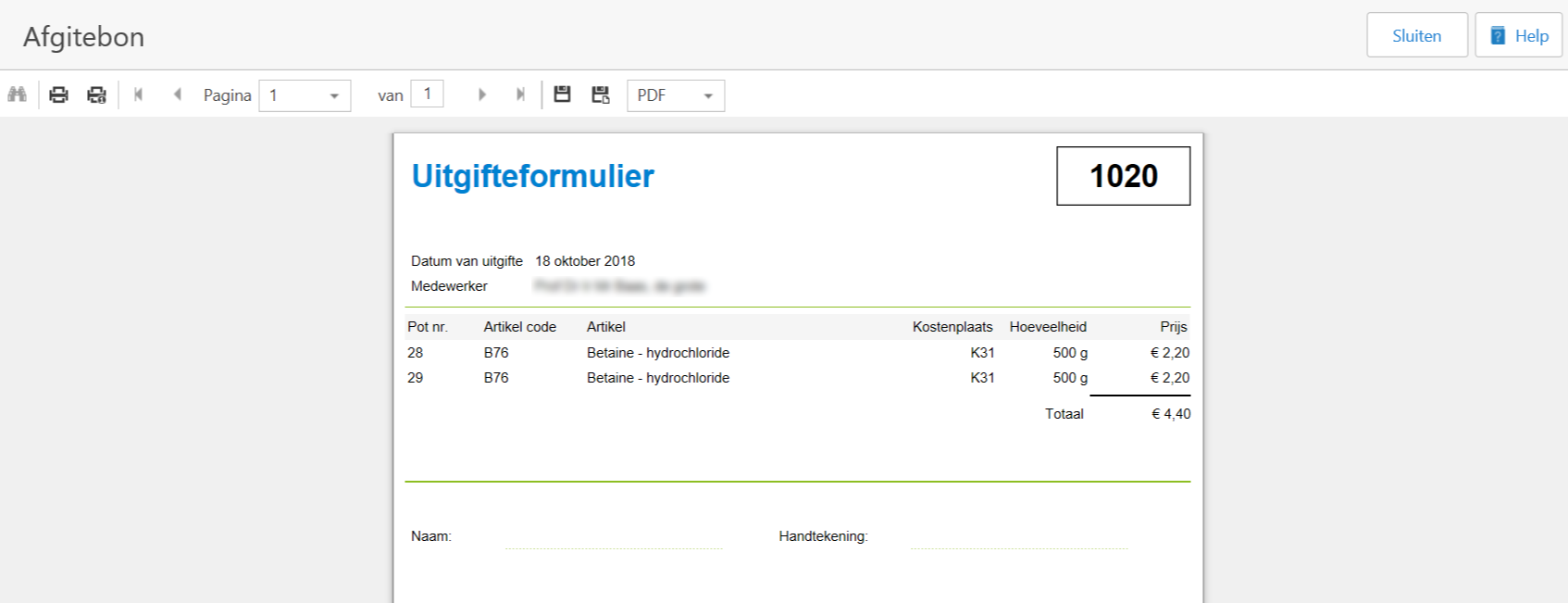
- Now the form is generated and you can print it, or save it to share and to archive it yourself..
See Also
